CONTENTS
In Lords Mobile warfare, finding a target alone is not enough; you need to predict when the target will react correctly. A 500M might castle may look ideal for a rally when its shield drops, but that window can close quickly if the owner is online two minutes later. On the other hand, a player who regularly stays idle at the same times can become a more predictable opportunity for resources, solo attacks, or an organized rally.
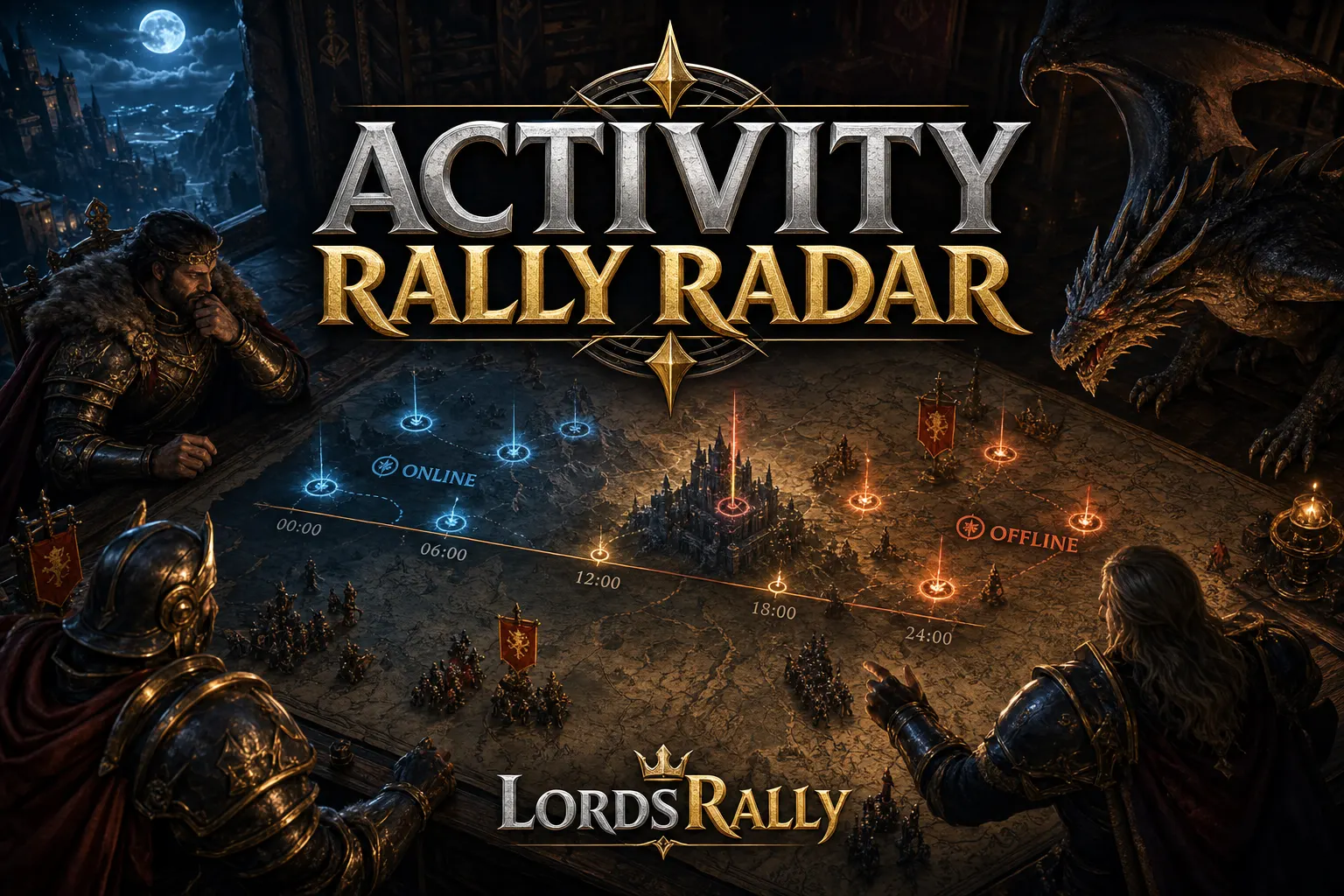
The !activity command in LordsRally helps you review a castle’s observed activity history. The goal is not to claim that the player is definitely on their phone; it is to identify repeating behavior windows from in-game signals such as shield changes, movement, might changes, name/guild changes, burning, and similar events. When you combine this data with shield-drop alerts, rally alerts, and target tracking, your attack becomes based on timing rather than guesswork.
What Does the !activity Command Tell You — and What Doesn’t It Tell You?
When you inspect a target in an English bot group, the !activity command returns movement and status signals previously seen for that castle. In practice, you are looking for answers to these questions:
- At what hours of the day does the player become active?
- Does the player refresh their shield on a specific routine?
- During which time window did the last burn, might movement, or equipment change happen?
- Are they active during war hours, or do they only appear around daily task times?
- Does a target you consider idle actually have a habit of brief check-ins?
The important distinction is this: activity history is not definitive proof that a person is physically online. It is a behavior record built from observed in-game events. However, if you see shield renewals, teleports, might changes, or war activity at similar times over several days for the same player, that becomes a strong timing signal.
For example, imagine a fictional target whose last seven days show a shield refresh every night between 01:30-02:15, brief movement around 12:00, and heavy war activity between 21:00-23:00. A shield drop after 02:15 should be evaluated more carefully. The player may have completed their routine and left the game, but you should reach that conclusion from a repeating pattern, not from one record.
You can first locate the target with !find and review the core information on the castle card, then move to activity history. If you are not sure how to interpret !find output from a war perspective, also check the castle card reading guide.
3 Steps to Identify Time Windows from Activity History
Looking at a random record and saying “this player is offline at night” can mislead a rally leader. A solid method is to read signals from at least several different days in the same framework.
1. Divide activity into time blocks. Split the day into four-hour blocks: 00:00-04:00, 04:00-08:00, 08:00-12:00, 12:00-16:00, 16:00-20:00, and 20:00-00:00. Write each meaningful movement shown in !activity under the relevant block. Within three to seven days, you may see certain blocks becoming repeatedly active.
2. Evaluate signals by importance. Not every activity has the same weight. Shield refreshes or sudden teleports while unshielded increase the chance that the target is at the screen. Name changes, guild changes, and might changes are also meaningful, but they do not guarantee a war response on their own. A burning castle or activated rage usually indicates that the war tempo is increasing.
3. Treat silence as a candidate window, not an opportunity. A player showing no visible movement for 4-6 hours after their last signal does not automatically become a farming target. Their shield, leader status, current location, nearby guild members, and possible defense rallies must be checked. That is why the final step of activity analysis is always a live status query.
An R4/R5 team can manage this routine inside the guild. For example, two rally leaders can keep separate notes on four key fighters from an enemy guild. If one player’s active window is 20:00-00:00 and another’s is 05:00-09:00, hive pressure or a move around the wonder can be planned for different times. Since LordsRally supports active tracking for up to 4 targets at once, it makes sense to place the most critical castles under dedicated tracking.
Combining Shield-Drop Alerts with Activity Data
The most valuable scenario is this: you read an opponent’s habits in advance with !activity, then receive a real-time notification the moment their shield drops. With its event-driven architecture, LordsRally does not wait for fixed-interval polling; it sends events such as shield drops to your WhatsApp or Telegram group within 1-3 seconds.
Let’s say you noticed that a target has refreshed their shield around 23:45 for the last few days, then shows no new movement for a long time after 00:00. When a 🛡 shield-drop notification arrives one night, your decision flow should be:
- First confirm that the shield is truly inactive through live status.
- Compare the time of the latest observed movements with
!activity. - Open the activity graph with
!infoto separate a one-night event from repeating behavior. - Evaluate the target’s guild surroundings, hive, and possible defensive capacity.
- If appropriate, give the rally leader short and clear information: last activity time, shield status, target location, and expected reaction window.
Using !unshielded at night to filter castles without shields is the first step, but the truly good decision comes from narrowing that list with activity history. Instead of focusing on 10 open castles, you concentrate on one or two targets whose last movement was hours ago and whose guild support is far away.
Each of the 12 alert types—including shield, burning, rage, migration, and rally—can be turned on or off individually. To build your notification setup around war hours, review the coverage on the features page.
Why Are Online Habits Critical During a Rally Alert?
A rally alert does not only tell you that a target is in danger; it also creates context to test the opponent’s response rhythm. If a castle quickly applies a shield, teleports, or moves closer to guild support while taking a rally, that behavior produces data for future attacks.
Consider an example: an enemy player moved within the first 2-3 minutes under rally pressure on three separate days. If that target’s shield drops on the fourth day, trusting the assumption that “they are definitely asleep because it is nighttime” can be costly. That target may be a player who reacts quickly through an alarm or a second account.
In contrast, a target that reacts slowly to pressure at similar times on different days and refreshes their shield only after 15-20 minutes may create a more controlled attack window. Still, this is not a guaranteed outcome; it is a signal that improves decision quality. When deciding on a rally, evaluate these points as one package:
- Latest activity time and repeating time pattern
- Current shield/burning status
- Rage status and whether the leader is captured
- The target’s distance from the hive or wonder area
- The proximity of active players from the enemy guild
When LordsRally sends the rally alert to the group instantly, you can quickly move to the relevant castles using the Find Attacker and Find Target options on the rally card. This flow reduces the seconds lost to copying and pasting coordinates.
Watch Out for Migration, Name Changes, and Fake Offline Appearances
One of the most common mistakes while building an activity map is tying a player’s identity only to their name. An opponent can change their name and teleport, switch guilds, or migrate out of the kingdom. In that situation, it is possible to incorrectly match the old name’s time pattern with a newly visible castle.
LordsRally’s automatic location tracking matters here: a castle that tries to escape by teleporting and changing its name can be found again through its unique identity. This means the tracking chain does not depend on manually searching again. New castle arrival and kingdom departure migration alerts can also help explain gaps in activity analysis.
Especially if you use multi-kingdom tracking before KvK, remember that quiet hours in one kingdom may be war hours in another. Multiple kingdoms can be monitored on the same bot infrastructure, and you can manage war intelligence without mixing it up by using a separate group setup for each kingdom.
Use the commands page to view all commands by category. Alongside activity analysis, queries such as !kingdom, !info, !unshielded, !rage, and !leader_back make target selection more reliable.
A Simple Activity Map Routine for Your Guild
You do not need a complicated Excel system for this tactic to work. A short routine where the R4 team spends 10 minutes each day is enough:
- Select the 4-8 most critical fighters from an enemy guild.
- Note the latest important hours in each target’s
!activityhistory. - Mark high-value signals such as shield refreshes, rage, teleports, and burning.
- Give every target a low, medium, or high reaction-risk label.
- When a shield-drop or rally alert arrives, query live status again.
The purpose of this routine is not to declare a player definitely offline. The purpose is to move your guild away from the reflex of “we saw a target, hit it” and toward the discipline of “we saw a target, read their behavior, confirmed the live status, then hit.”
LordsRally works without installation; you do not need to keep a computer running. The bot monitors the kingdom 24/7 in your selected WhatsApp or Telegram group. For more tactical guides on organizing war decisions with 78 commands, real-time notifications, and a target-focused tracking flow, browse the blog.
If you want to use activity history together with shield-drop and rally alerts, review the features and commands pages to set up the right LordsRally workflow for your guild.
Frequently Asked Questions
Does !activity show whether an enemy is definitely online or offline?
No. !activity shows observed in-game activity history; it does not confirm whether the player is physically on their phone. The best use is to interpret repeating movement hours together with shield and real-time status information.
How many days of data are needed for activity analysis?
One day provides a weak signal. If possible, compare repeating movements across 3-7 days. If shield refreshes and war activity repeat within the same time blocks, you can build a more reliable behavior profile.
When a shield drops, should I check !activity first or start the rally first?
If the target’s might, guild support, and location are suitable, first confirm live shield status; then quickly check the latest movement with !activity. LordsRally’s 1-3 second notification gives you time to make the decision, but a short verification before the rally is necessary.
LordsRally tracks your target castles, finds them again after they teleport and alerts your guild.
Buy Now