CONTENTS
The 4-target !track limit may seem small, but when managed correctly, it becomes one of the most valuable war intelligence screens for an R4/R5. The usual mistake is always the same: you track the four highest-might enemy castles, produce no decisions for two days, and the target that actually drops shield, gets its leader back, or leaves the hive remains outside your slots.
In Lords Mobile, active tracking is not a tool for “listing the strongest players”; it is a tool for prioritizing opponents you may be able to act on soon. Since LordsRally uses an event-driven architecture and sends an alert to your WhatsApp or Telegram group within 1–3 seconds when an event occurs, selecting the right four targets lets you see a shield drop or movement change while it happens—not afterwards.
The purpose of this article is simple: every !track slot should have a war role. That way, your 4 targets are not four random names; they become a compact intelligence desk that supports your guild’s attack, defense, and migration decisions.
1. Score targets by “action potential,” not by might
The highest might is not always the best tracking target. A 1B-might player who stays permanently shielded and far away may still matter, but if they are not creating a rally plan today, they should not occupy an active tracking slot alone. Instead, build a simple priority table by giving each candidate a score from 0 to 5.
- Shield risk: Do they drop shield often, use short shields, or have they recently been caught unshielded?
- War proximity: Are they close to the enemy hive, wonder area, or your own hive?
- Leader status: Is their leader captured, has their leader just returned, or are they likely to remain exposed?
- Rally value: Would this target affect a solo hit, double rally, or counter-rally decision?
- Behavior change: Did they change guild, migrate, change name, or show equipment/activity movement?
For example, consider four candidates: the first has 900M might but has remained continuously shielded for 30 days; the second has 480M might and sits on the edge of the enemy war hive; the third has 650M might and just got their leader back; the fourth is the enemy guild’s rally leader. In this table, the first target should not automatically rank first only because of might. On most war days, the nearby 480M target, the 650M target with a returning leader, and the rally leader produce a higher action score.
After making an initial score, confirm the player with !find; might, guild, activity, and location appear in the same card. Then turn suspicion into data with searches such as !activity and !equip. You can view all command options on the commands page.
2. Do not stack all four slots into one target type: use 2 attack, 1 defense, and 1 flexible target
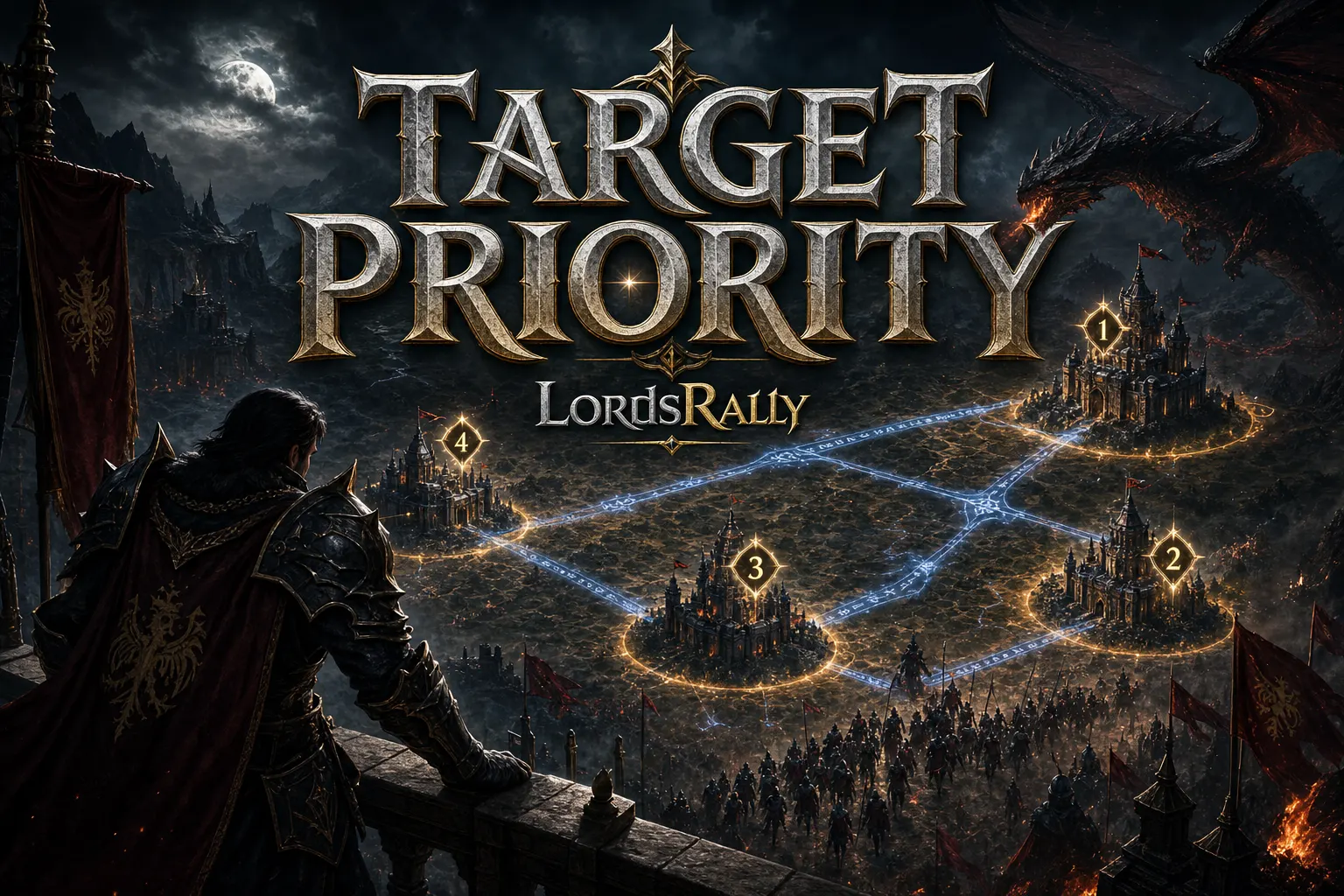
Tracking only castles that can potentially be burned narrows your war intelligence. Splitting the four slots by role is more efficient. For active war days, the most balanced starting model is 2 attack + 1 defense + 1 flexible target.
- Slot 1 – Primary attack target: A reachable castle likely to become exposed and worth real kills or rewards if a rally is formed.
- Slot 2 – Secondary attack target: The immediate alternative if the primary target shields or teleports.
- Slot 3 – Defense/risk target: An enemy rally leader, a high-threat player close to your hive, or a castle disrupting the wonder area.
- Slot 4 – Flexible target: A newly migrated player, someone who changed guild, a castle whose leader returned, or an uncertain target being reviewed for KvK.
This structure prevents one event from ruining the entire plan. When the primary attack target activates a shield, the discussion does not become “who do we search for now?”—Slot 2 is already ready. The defense slot also prevents you from missing the enemy’s rally setup while you are looking only for attack opportunities.
For example, if an enemy guild moves near your border, assign two slots to exposed targets, one slot to their fastest rally leader, and the final slot to a high-might castle newly arriving in the hive. This lets you monitor both shield-drop opportunities and potential rally preparation at the same time. In LordsRally, alerts for rallies, burning/smoking castles, rage activation, and migration make this role split valuable in practice.
3. Change slots using a 15-minute decision rule, not emotion
The second most common active-tracking mistake is changing a slot for every player who moves. Removing a target because they changed name, gained a little might, or briefly appeared offline turns your tracking list into a panic list instead of a war list.
Use a 15-minute decision rule instead. Before changing a slot, ask yourself three questions:
- Will this target affect my guild’s attack or defense decision in the next 15 minutes?
- Does the candidate replacing them truly have a higher action score?
- Is there an expected event on the current target: shield expiry, leader return, hive movement, or a possible rally?
If two of those questions are answered with “no,” change the slot. This simple discipline protects your tracking structure despite sudden calls in R4 chat.
A concrete scenario: one of your four targets activates an 8-hour shield, is far away, and belongs to a guild that is passive in the war. At the same time, a high-might castle with unknown behavior migrates into the enemy hive. It makes more sense to remove the long-shielded target and place the new migrant into the flexible slot. The migration-in alert helps you notice the new player early; then you can use !find, !info, and !equip to determine whether this player is a real threat or simply a farm account that changed location.
Do not confuse active tracking with passive observation. For names that do not constantly produce decisions but may become important later, !watch can be more suitable. You can review the difference between both methods in the !track vs !watch comparison guide.
4. Connect shield-drop and rally alerts to your guild workflow
A tracking alert is not an attack order on its own. When a shield-drop notification arrives, you know the target is exposed; however, the correct move still requires evaluating location, might, activity, equipment, and guild support together. The 1–3 second detection advantage matters here: the information reaches the group quickly, but the decision must still be coordinated.
A practical workflow for R4/R5 can look like this:
- The alert arrives: A tracked target shows a shield drop, rage activation, or burning-castle event.
- Quick verification is completed: One person checks current location and status with !find.
- The war lead makes the call: Proximity, possible reinforcements, leader status, and rally capacity are evaluated.
- The alternative remains protected: If the first target shields, move to the Slot 2 target; the entire guild does not need to search again.
The same principle applies to a rally alert. When a tracked enemy rally leader starts moving, that information does not mean “attack immediately.” First check whether the rally target is one of your members, the target’s location, and the defensive setup. When WhatsApp NATIVE interactive buttons are available, the rally card’s attacker or target lookup options make it easier to open the relevant query with one tap; if buttons cannot be used, the system safely falls back to a numbered list.
Instead of looking only at four targets during this process, you can also scan the general war situation with !unshielded and !smoke. For example, during a night operation, use !unshielded to filter exposed castles within your chosen might range, but keep your !track slots on the four players with the highest decision value. Your tracking list is your radar; search commands are your wide-area scan.
5. Build separate tracking logic for KvK, wonder, and multiple kingdoms
Tracking priorities on a normal kingdom day are not the same as on KvK or wonder day. In KvK, a target simply being exposed is not enough; migration movement, war hive position, rage status, and rally capacity matter more. On wonder day, the power balance around Baron, Chalice, Paladin, or Emperor changes your tracking plan.
For KvK, you can update the four slots like this:
- The strongest active attacker arriving from the enemy kingdom.
- A rally leader positioned near the border or wonder.
- A reachable opportunity target with weak shield habits.
- An unknown player who recently migrated and settled in a hive.
Before selecting targets during a wonder phase, checking timers and median might with !wow, then reviewing the live Baron board with !k71, gives you a healthier framework. The purpose is not to hunt individual castles; it is to see which group is increasing its ability to hold territory and shift your tracking slots accordingly.
If you monitor multiple kingdoms, do not try to keep the same four names in mind for every kingdom. Each kingdom should have its own war purpose: defense and internal threats in one, migration analysis or KvK preparation in another. LordsRally supports multiple kingdoms; setting up a separate group structure for each kingdom reduces notification clutter. Within the 78-command toolkit, !kingdominfo, !heatmap, !migrations, and leaderboards also support this broader picture. The kingdom heatmap helps you test whether tracked targets are genuinely reachable by showing dense hive areas and hot war zones. For more use cases, visit features and blog.
If you want to turn your four slots into targets that truly create war decisions, plan the notification and command structure in your LordsRally WhatsApp or Telegram group around your guild’s role distribution. Review the commands, compare the features, and build the right operating routine for your team.
Frequently Asked Questions
Should I keep the same players in !track slots every day?
No. The only thing that should remain consistent is your priority system. When a target’s shield routine, hive position, guild, leader status, or war value changes, the slot should change too. However, use the 15-minute decision rule instead of changing slots for every small movement.
When does it make sense to use all four targets for attack?
It can make sense temporarily if the enemy guild has weak shield habits, you are running an active burn operation, and there is no clear defensive rally threat. Even then, as an R4/R5, at least one player should continue monitoring general rally alerts and kingdom conditions.
Which commands besides !track strengthen four-target decisions?
For a strong starting combination, use !find for current status, !activity for movement history, !equip for equipment changes, !unshielded for general exposed-target scanning, and !migrations for kingdom movement. Using commands in the right order lets you assign tracking slots based on data rather than instinct alone.
LordsRally tracks your target castles, finds them again after they teleport and alerts your guild.
Buy Now