CONTENTS
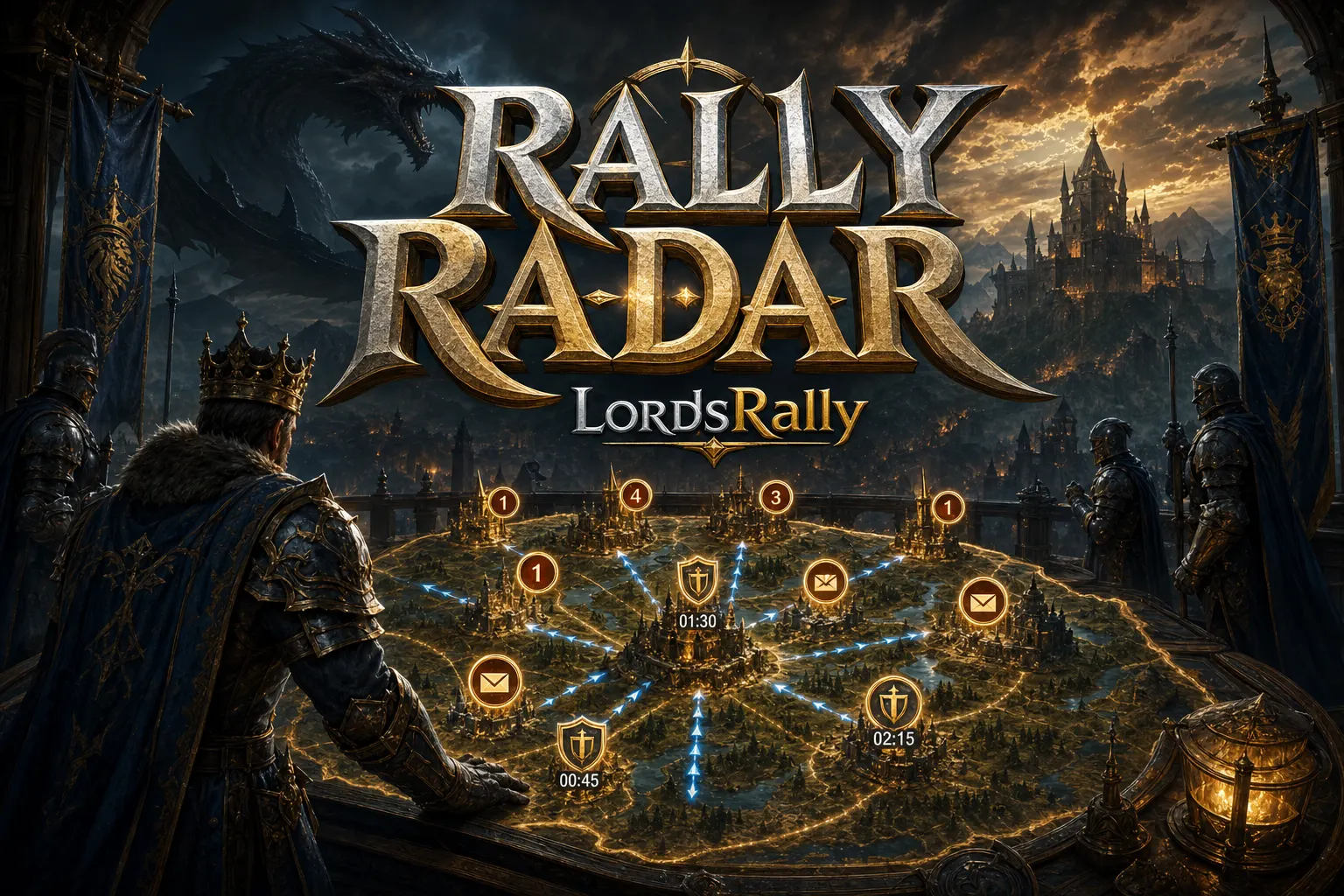
In kingdom intelligence, the real issue is not getting more notifications, but getting the right notification at the right moment. LordsRally is event-driven; it does not wait on polling. The moment something happens, the notification lands in your WhatsApp or Telegram group within 1–3 seconds. But for that speed to actually matter, you need to set up the !notifications screen based on your war style, not randomly. Because not every alert has the same value: some are critical, others are just noise.
In this article, I explain the full list of 12 alert types, when you should keep them on, and when it makes sense to switch them off, using practical battlefield logic. If you want to see the command structure, check commands; if you want to understand how the bot works overall, check features; and if you want to browse similar strategy posts, visit blog.
Why does !notifications exist? It is a decision filter, not noise
Being a fast Lords Mobile player does not mean reading every message. A fast player is someone who reacts when a shield drop alert comes in, changes defense plans when a rally warning appears, and does not lose target identity tracking when a migration signal shows up.
That is where LordsRally’s logic kicks in: you can monitor multiple kingdoms at once, and even manage tracking for up to 4 kingdoms with a single bot account. So the question is not “should notifications come in?” It is “which signal matters in which kingdom?”
The general rule is:
- In an active war kingdom, aggressive alerts should stay on.
- In a farm or quiet kingdom, only critical signals should stay on.
- During periods with migration and name changes, identity-tracking alerts should take priority.
- During event season, LM Events and monster alerts should be enabled; during war night, you may want to turn them off if needed.
In short, !notifications is not there to silence the bot; it is there to tune its voice correctly.
All 12 alert types: which ones should stay on and which ones should stay off?
Below I list all 12 alerts along with practical usage advice. Instead of memorizing them, think about them based on your role in the game:
- 1) Shield dropped — On. This is the most critical vulnerability signal. Do not turn it off, especially during night hunts and when you are looking for trap targets. For a deeper read, the shield drop detection article is also useful.
- 2) Burning/smoking castle tracking — On. You get an instant alert when a target comes under active attack. If you are a rally leader or defense coordinator, this should always stay on.
- 3) Name changed — On. A target teleporting and changing its name is a classic escape move. This alert prevents the enemy castle tracking chain from breaking.
- 4) Guild changed — On. If a target moves to a new guild, it matters both for identity matching and threat prioritization.
- 5) Leader returned / returning — On. Especially critical for leaderless targets. If you miss this while building a trap, you may hit the wrong target.
- 6) Rally / march warning — On. Keep it on during KvK nights, before baron fights, and anytime you are waiting for defense calls.
- 7) New castle arrived (incoming migration) — Situation-dependent. Keep it on during migration season or when a new enemy kingdom opens. In a quiet kingdom, you can turn it off if you do not expect movement.
- 8) Castle left the kingdom (outgoing migration) — Situation-dependent. Is the enemy guild emptying out, baiting, or actually leaving? Important for migration tracking.
- 9) Monster alert — Needs optimization. If your guild actively hunts monsters, keep it on. During war night, you may want to turn it off and clean up the screen.
- 10) Rage/fury opened — On. This is one of the clearest signs of active war intent. When a target opens fury, it can indicate that the attack window is approaching.
- 11) Missing / captured leader — On. Very useful after rallies, prisoner hunts, and defense breaks.
- 12) LM Events — Off by default, turn on when needed. Only enable official in-game event cards if you actually track them. Do not let them flood your war intelligence with unnecessary messages.
You do not need to turn all 12 on at once. A good setup is not about enabling everything; it is about keeping the right signal on during the right time zone.
War mode: which alerts should always stay on?
If you are a rally leader, defense coordinator, or an active KvK player, your priority list should be clear. During war night, the top signals on your screen should be: shield dropped, burning/smoking castle, rally warning, rage opened, leader returned.
Why? Because these five alerts tell you exactly what action to take:
- Shield dropped: the attack window opened.
- Burning/smoking castle: real contact has started.
- Rally warning: heavy damage is likely.
- Rage opened: the enemy is getting serious.
- Leader returned: reassess the target.
Imagine this scenario: an enemy castle drops shield, then 40 seconds later a rally comes in, and a few minutes after that the leader comes back. That chain tells you, “hit now, not later.” Turning these alerts off often means cutting your own intelligence flow.
If you want to read this logic in a broader context, check the real-time monitoring and 1–3 second delivery logic on the features page. Because even if the delay looks small, in Lords Mobile the difference between 2 seconds and 2 minutes can be huge.
Which signals are critical in enemy castle tracking and migration hunting?
If your goal is to find fleeing targets, you will use alerts a little differently from war mode. Here the goal is not just attacking; it is protecting identity, preventing loss of tracking, and reading movement.
These 4 alerts are especially important:
- Name changed
- Guild changed
- New castle arrived
- Castle left the kingdom
These four signals are the backbone of enemy castle tracking. If a player teleports and changes their name, manual searching often sends you to the wrong target. But with name and guild change alerts enabled, you do not lose the connection between “who they are” and “where they are.”
This is also where LordsRally’s automatic location tracking logic becomes important. Even if the target escapes, the system helps you find it again through its unique identity. That means you do not spend the whole night checking one by one; the event comes to you. That is why this section is especially valuable for players tracking multiple kingdoms.
Practical tactic:
- If there is an attack season in a kingdom, keep name/guild/shield alerts on.
- In a quiet kingdom, leave only new castle arrived and castle left the kingdom on.
- If migration season starts, raise those two migration signals, because target movement will increase.
If you want a deeper hunting logic on this topic, the Enemy castle tracking: automatically finding players who escape by changing their name article is a good follow-up read.
Events and PvE: when should monster and LM Events be enabled?
A lot of players make the same mistake here: they keep the same alarm list during event week that they use for war. The result? Unnecessary notifications, missed critical signals, and a tired group.
Monster alert and LM Events serve two different purposes:
- Monster alert is for tracking special targets on the map.
- LM Events is for viewing official in-game event cards.
If your guild actively hunts monsters or you do not want to miss event cards, turn these on. But if you need full focus during war night, turning off LM Events is often the right move. Because when this alert stays off by default, your war intelligence stays cleaner.
Concrete example: if your KvK window is 21:00–01:00, a war-focused group can keep LM Events off while rally and shield alerts stay on. On the weekend, when guild event time starts, you can do the opposite: turn on monster and LM Events, keep war signals active, and filter out the noise.
The important part is not silencing the bot; it is making it speak according to your role. You can manage this with WhatsApp native buttons or with the same logic in Telegram groups. The bot replies in the language you selected, so your group flow does not break.
Ready-made alert profiles by role
The best setup is not the same setup for everyone. These three profiles give you a fast start:
- R5 / war leader: Shield dropped, burning castle, rally warning, rage opened, leader returned, captured leader, incoming/outgoing migration all on. LM Events only during event periods.
- R4 / tracking and coordination: Name changed, guild changed, new castle arrived, castle left the kingdom, shield dropped on. Monster and LM Events depend on the situation.
- Farm / relaxed active player: Shield dropped and rally warning on, the rest selectively enabled. This profile reduces notification count while still keeping critical threats visible.
If you monitor multiple kingdoms, separate these profiles by kingdom as well. One kingdom may be in war while another is in migration traffic. Using the same alert set everywhere wastes the advantage of multi-kingdom tracking.
If you want to build a cleaner alert set for your own kingdom setup, open the commands list first, then check features to see which alert makes sense for which role. After that, browse the blog section for other strategy posts; the right notification list you build in a few minutes can be more valuable than manually checking for hours.
Frequently Asked Questions
1) Does it make sense to turn everything on in !notifications?
No. Turning everything on does not make you faster; it just makes you more tired. First define your war role, then keep only the critical alerts on.
2) Why should I keep LM Events off by default?
Because this alert is not needed by everyone all the time. When war intelligence gets mixed with event cards, critical signals like rally and shield drop alerts can get lost.
3) Is there a difference between WhatsApp and Telegram notifications?
The logic is the same: the bot is added to the group, works in your chosen language, and notifies you the moment an event occurs. You only choose the platform your team uses most.
LordsRally tracks your target castles, finds them again after they teleport and alerts your guild.
Buy Now