CONTENTS
In Lords Mobile, not every strong-looking castle is equally dangerous at every hour. Some players are consistently active on weekday evenings and refresh their shield on weekends; others log in only during events or Wonder hours. A rally leader’s job is not to read a single momentary status, but to identify a repeating habit.
In LordsRally, the !info command helps you turn that habit into a weekly plan by reviewing the enemy’s activity graph. The goal is to move beyond the question, “Is this castle online right now?” and ask a more useful one: “On which days, at which hours, and under which war conditions is this castle more likely to remain vulnerable?”
In this guide, you will learn how to build a weekly activity rhythm by combining !info data with shield drop notifications, rally alerts, and your target list. For the full command list, visit commands, and check features for the bot’s notification and tracking capabilities.
Why is a weekly rhythm more valuable than a one-day check?
A player appearing offline for one night does not mean they are inactive. Their phone may be off, they may be playing another account, or they may simply have stepped away briefly. Repeating gaps across 7 days, however, provide a much stronger framework for war decisions.
For example, if a target’s graph shows activity spikes during the same time window on three different weekdays, followed shortly by a shield refresh, you can draw a useful conclusion: the player has a regular login time and stays unshielded only briefly. Instead of launching an unplanned rally just because the shield dropped, it is safer to check their equipment and recent activity first.
In the opposite scenario, if long and repeating low-activity windows appear on specific days of the week, those hours become a priority for your target pool. The key distinction is:
- A single gap: It may be random.
- A repeating gap on the same day and hour: It is a habit signal.
- Sudden activity after a gap: The player may have been alerted, noticed an attack, or checked their shield.
- Gap + shield drop + low defensive preparation: A more meaningful combination for rally evaluation.
!info does not win the war for you, but it moves a rally leader’s “now or later?” decision away from assumptions and toward consistent observation. If you want to refresh the basics, see the step-by-step !info activity graph guide.
How to build a 7-day tracking table with !info
The most practical way to identify a weekly rhythm is to review the same target at fixed checkpoints instead of checking at random times. After finding the target, use !info and turn the activity patterns you see into one-line guild notes. You can use LordsRally’s !addnote command for this.
For the first 7 days, three checks per day are enough as a starting routine:
- Start-of-day check: Morning or noon, based on your kingdom’s active-player hours.
- Main war-hour check: The busy period when your guild usually launches rallies.
- Night check: Late hours when shield drops are often caught.
You do not need to write a long report after every check. These four fields are enough:
- Day and time
- Activity increase, decrease, or silence on the graph
- Shielded/unshielded status or rage status
- Context such as guild change, migration, name change, or equipment change
Your note logic should look like this: “High activity during Tuesday’s main war hour; low activity at night; active again at similar hours on Wednesday.” This lets the team understand target behavior without sharing the player’s real name or coordinates.
At the end of day seven, you should have two types of windows: high-risk windows and opportunity windows. During a high-risk window, the player checks frequently, guild activity is high, or they may be ready to defend a rally. During an opportunity window, you see repeating low activity, a tendency to remain exposed, or slow reaction times.
If the graph does not provide enough signal yet, do not force an interpretation. For a checklist on data buildup and empty graph situations, use the what to do if the activity graph is empty guide.
Combining the rhythm with shield drop and rally alerts
Your weekly plan becomes truly valuable when it meets a live event. With its event-driven architecture, LordsRally delivers shield drops, active attacks, and rally developments to your WhatsApp or Telegram group within 1–3 seconds. Instead of refreshing screens at fixed intervals and reacting late, you can make a decision as soon as the event happens.
Suppose !info shows that a target regularly has low activity late on weekdays. When a shield drop notification arrives for that target, your team can follow this order:
- Confirm that the notification belongs to the correct target with !find.
- Check whether the target’s activity that day matches their usual low-activity window.
- Review smoke, rage, leader status, and signs of recent combat.
- If you are considering a rally, account for the target guild’s likely response time.
- When a rally alert arrives, watch not only the target but also the attacking guild’s movement; multiple fronts may be forming at once.
A target card can logically bring together information like this:
!find → 🧧 [ABC][R4] FictionalPlayer (35) · 🟢 ACTIVE · 📍(X:512 Y:340) · 💪 1.10B ⚔️ 160M · 🏆 2 days, 00:49 · ━━ Details ━━ 🔎 Shield Dropped / Might Increased / Equipment Changed · [ Info | Equipment | Track ] buttons.
The “active” status on this card does not automatically invalidate the weekly rhythm, but it does require you to update your decision. For example, if the target is normally inactive at that hour but appears active immediately after the shield drops, the player may have noticed the notification or begun preparing a defense. In that situation, reassessment by the rally leader is healthier than rushing into a rally.
Split targets into three groups: safe, conditional, risky
Once you have reviewed the weekly activity graph, do not keep every target in the same list. For R4/R5 players, the most useful method is to divide targets into three operational groups. This prevents long discussions in guild chat the moment a shield drops.
1. Safe tracking group
Players in this group show low-activity windows that repeat over multiple days. However, “safe” does not mean defenseless or guaranteed zero risk. It simply means the rhythm data is more consistent. This is where you perform the first check when a shield drop arrives.
2. Conditional target group
These players have visible gaps in their graphs, but they also carry risks such as guild support, high might, frequent teleports, or changing equipment. Alongside !info data, this group needs more verification through commands such as !equip, !activity, and, when necessary, !scout.
3. Risky group
Put targets in this group if their activity is unpredictable but rises specifically during rally hours, if their leader has returned, if they frequently enter rage, or if they live near a strong hive. A shield drop may still be an opportunity here, but the chance of a counter-rally or rapid defense is high.
Refresh this classification every week. Migration, guild changes, and a new Wonder cycle can completely alter a player’s routine. This is why LordsRally’s migration-in/migration-out, guild change, and name change notifications matter: you track not just the target’s name, but also their position and context in the kingdom.
Weekly operation flow for R5: a 15-minute review
Mapping an activity rhythm does not mean sitting in front of a spreadsheet all day. For an R5 or war coordinator, a consistent 15-minute weekly review can establish a solid foundation. The goal is to turn raw data into usable guild decisions.
Recommended weekly flow:
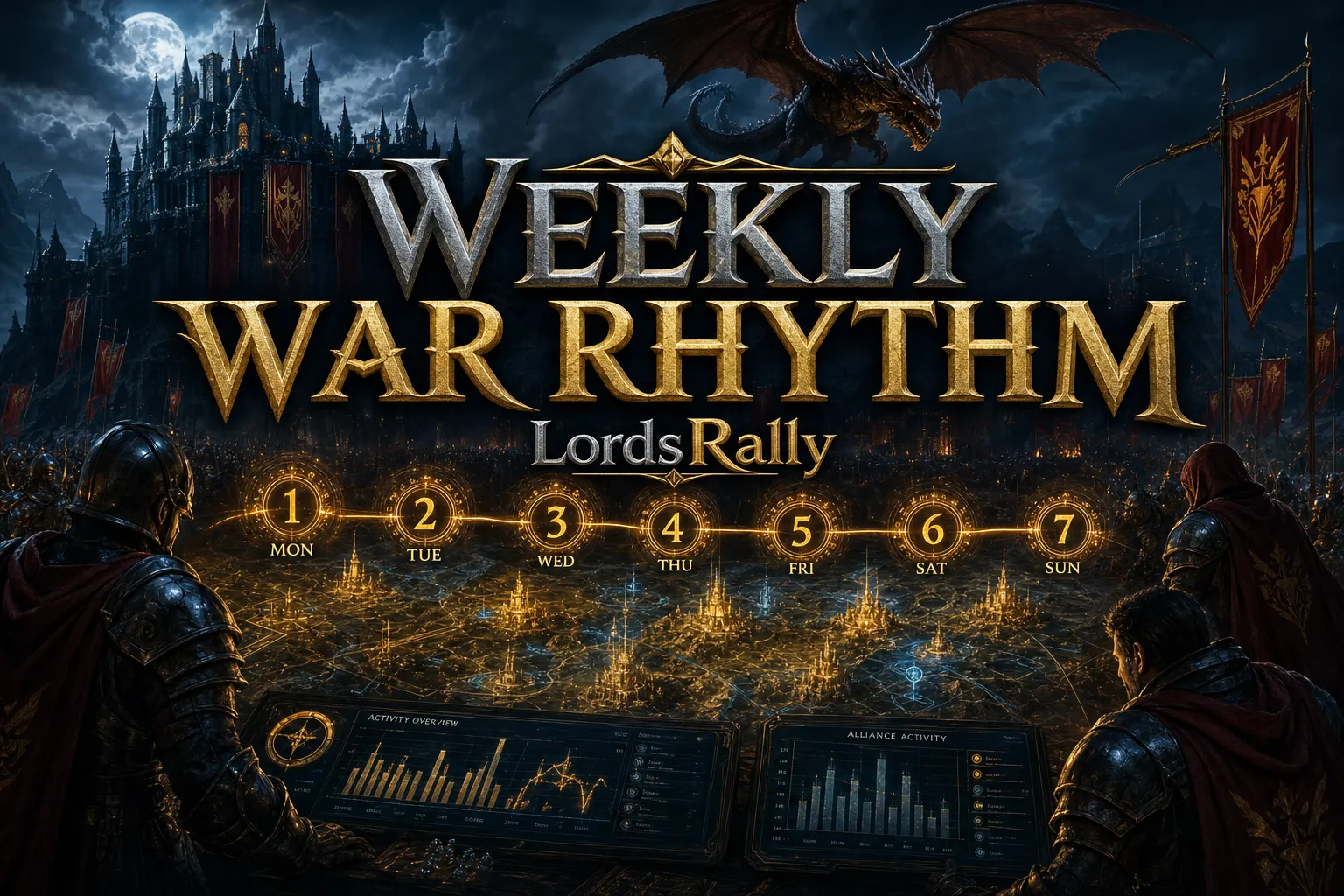
- Monday: Clean up notes from the previous week; reclassify targets that migrated or changed guilds.
- Wednesday: Use !info to review patterns from the first half of the week. Update notes if the target’s routine has shifted.
- Friday: Before KvK, Wonder, or intensive wars, review the opportunity group. Decide which shield drop and rally alerts should remain enabled.
- Sunday: Briefly review which hours created real opportunities and which hours produced false positives.
This system is even more important for guilds playing across multiple kingdoms. With multi-kingdom support, LordsRally can monitor each kingdom in a separate group 24/7. That way, you do not confuse one kingdom’s night window with another kingdom’s prime time. When WhatsApp native buttons are enabled, you can move from the card to Info, Equipment, or Track with a single tap; if buttons are unavailable, the system safely falls back to a numbered list.
LordsRally’s 78 commands are not only for finding targets; they are built to create a consistent intelligence routine like this. For more war and kingdom scenarios, explore the blog archive.
If you want to read weekly rhythms based on data rather than memorization, set up LordsRally’s real-time notifications and command set around your own kingdom routine. When a shield drop or rally arrives, your prepared target classification can make the decision clear within seconds.
Frequently Asked Questions
Can I learn a player’s exact offline hours from the !info graph?
No. The graph helps you read behavior and activity trends; it does not guarantee exact offline times. The best approach is to evaluate repeating low-activity windows together with shield drops, rage, leader status, and live war alerts.
How many days of data should I collect for a weekly rhythm?
Seven days is a practical starting framework. If you do not see repeating signals at the same days and times, collecting data for longer is more accurate. Migration, guild changes, and event weeks can especially disrupt a player’s normal routine.
Is checking !info alone enough when a shield drop notification arrives?
It is not enough. !info provides context; for a live decision, confirm the target with !find and, if needed, review the current state with !equip and !activity. If there is a rally alert or active attack, you should also account for the guild’s likelihood of responding.
LordsRally tracks your target castles, finds them again after they teleport and alerts your guild.
Buy Now