CONTENTS
Why do you need this pocket guide?
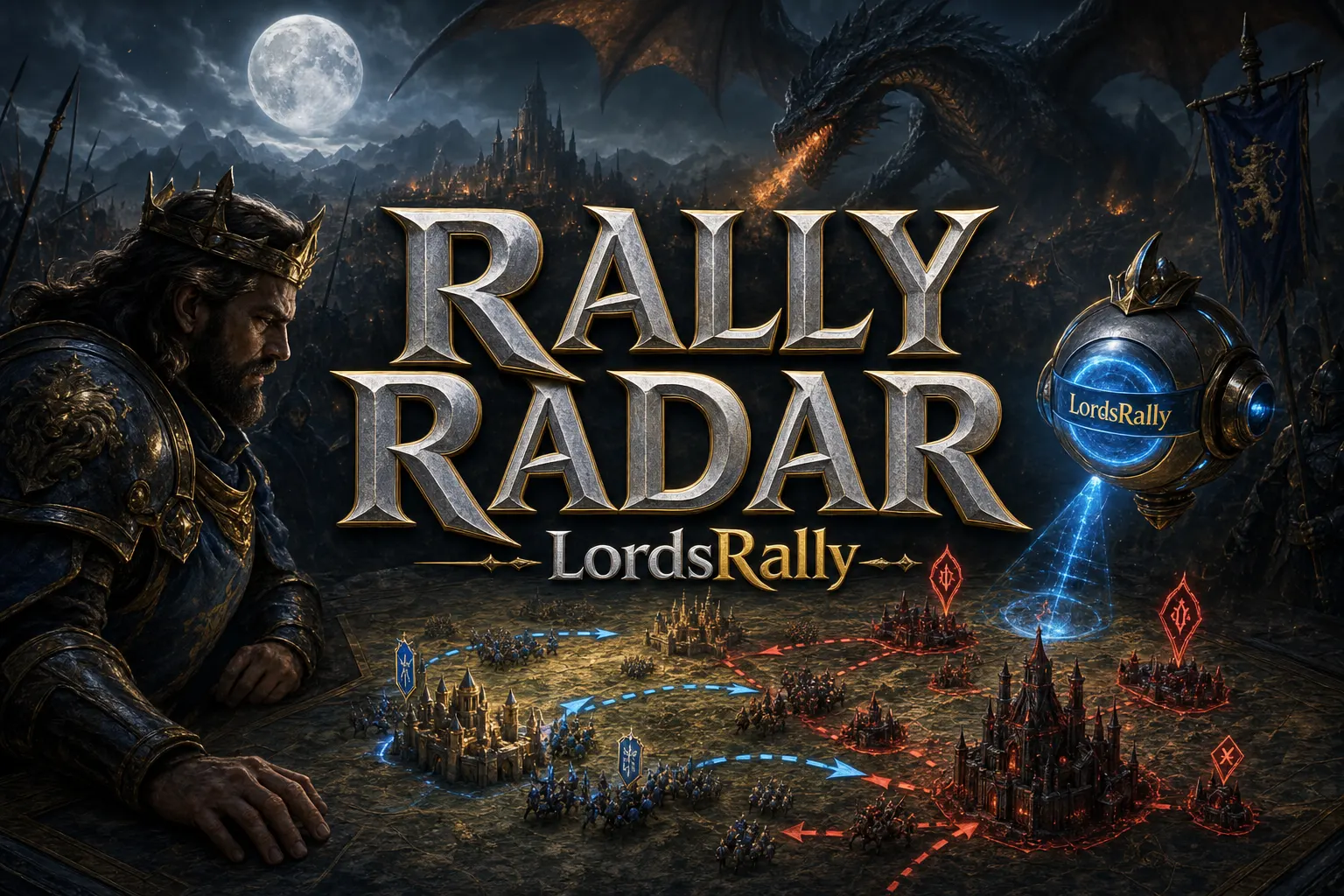
In Lords Mobile, what gives you speed is not knowing a lot of commands; it is using the right command at the right moment. LordsRally is a bot that drops enemy castle tracking and war intelligence into your WhatsApp or Telegram group in 1-3 seconds. In other words, this is not a system that scans at fixed intervals; the notification comes the moment the event happens. No setup, no app, no need to keep a computer on. You add it to a group and the bot watches that kingdom 7/24. It also supports multiple kingdoms.
For a new player, the biggest mistake is trying to memorize 78 commands. Instead, learning the logic of the 11 categories is much easier: search, tracking, kingdom, war, wonder wars, tiles, migration, idle, scout, guild, and general. When you look at it this way, the commands do not feel complicated; each one handles a separate job.
I wrote this guide not to give you a memorization list, but to build reflexes for the field. For the full command list, check commands, for the complete feature set check features, and for more field guides check blog.
1) Search and tracking: find the target, do not lose it
This should be the first category you learn. Because half of war is identifying the target correctly.
!findlets you search for a player.!quicklets you do a fast search from part of a name.!namesshows name-change history.!equipopens current and past equipment views.!activityshows activity history, while!infogives the activity graph.!watchis for passive watching, while!trackis for active tracking.
What helps new players most is not reading the target's name, but reading its movement. For example, if a castle teleports and changes its name, trying to search for it from scratch wastes time. Open !names history and remap its identity; with !track, once you catch the target, you do not have to search it again and again. Supporting up to 4 targets at the same time is practical for this reason: you do not get stuck on a single enemy.
On WhatsApp, the Information, Equipment, and Track buttons under the card are also a big convenience for beginners. Instead of memorizing commands, you can just tap and move forward.
2) Kingdom commands: read the big picture
Seeing a target alone is not enough; you also need to understand the tempo of the kingdom it sits in. That is where kingdom commands come in.
!kingdominfogives an overview of the kingdom.!kingdomplayersopens the full player table.!top_playerslists the strongest players by might.!top_players_killsshows the top players by kills.!kingdomhistorygives a 30-day castle count graph.!heatmapopens the high-resolution kingdom map.!findkingdomis used when searching for a target kingdom for migration.
For a beginner, the golden rule is this: if you are thinking about moving, first use !findkingdom, then !heatmap, and finally !kingdomhistory. That way, you can separate not only the kingdom that looks strong on paper, but also the one that is actually alive. Because some kingdoms look crowded on paper but have low field activity; others are smaller but constantly moving. Kingdom intelligence prevents you from migrating to the wrong place and landing in an empty table.
At this stage, the kingdom-focused sections on the features page will be a good companion.
3) War alerts: keep shield, smoke, and rally alerts simple
War commands exist to produce signals, not noise, in the group. The most common mistake beginners make is opening every alert and making the feed unreadable. Instead, start by enabling only the truly critical ones.
!shield_dropsshows recent shield drops.!unshieldedlists unshielded castles.!smokefinds burning or smoking castles under active attack.!rageshows castles that have opened rage.!leader_backfilters targets that are unshielded and whose leader has just returned.!prisonerslists captured leaders.!mobsshows special monsters on the map.
The real logic here is this: if a shield drops, the attack window is open; if a castle is smoking, the situation has escalated; if a rally alert arrives, the local situation changes. Reading these three signals together reduces bad timing. Especially on a night shift or while you are at work, seeing only the critical alerts is more valuable than seeing everything.
In LordsRally, 12 smart alerts can be turned on and off individually. So at the start, just enabling shield drop notifications, rally alerts, and smoking castles is enough for most players.
4) Migration, idle, and scout: catch the one that ran and the one that got sloppy
Targets do not always disappear by fighting; sometimes they just change address. That is why knowing migration, idle, and scout commands gives you a huge advantage.
!migrationsin,!migrationsout, and!migrationsshow migration movements.!migrationcosthelps you check migration cost.!idle,!idle_guild, and!idle_hoursare used to filter targets that have stayed unshielded for a long time.!scoutis used to inspect a castle one by one.!tiles,!campsandtiles,!hives,!rss, and!nearhelp you understand the surrounding tile and camp layout.
Especially when a target changes its name and teleports, manually searching for it again is tiring. LordsRally's automatic location tracking logic makes this easier. Even if the same person appears under a new identity, you do not have to start from scratch to find them again. That is a big comfort for beginners: if the target did not disappear, it only moved.
In practical use, this order works well: first check migration movement, then check idle duration, and finally confirm with !scout. That way, you do not plan a useless attack.
5) Guild, wonder, and general commands: leadership starts here
This is the category where you move from solo hunter to organized player. It is especially valuable for R4, R5, and rally leaders.
!guildreportopens the guild report.!guildmemberslists guild members.!barontop,!barongroups, and!baronplayerssummarize the Baron side.!chalicegroups,!paladinplayers, and!emperorplayershelp you follow wonder titles.!k71opens the live Baron board.!wowshows the wonder war counters together with median might.!iconsexplains what the symbols in the cards mean.!kingdomis used to switch the scanned kingdom.
The best part of this section is that it shows not only the strongest players, but also the middle of the roster. What decides a wonder plan is not only peak might; it is the continuity of the mid roster. That is why the median might data inside !wow is so useful. If you ever join a Baron or Chalice group, these commands give you a real picture instead of empty talk.
The first 10-minute start plan is very simple: add the bot to your WhatsApp or Telegram group, use English, first enable core alerts like !shield_drops, !unshielded, !smoke, and !rage, then set up one target with !track and another with !watch. After that, check the big picture with !kingdominfo and !heatmap, and finally build your search reflex with !find and !names.
In short, when using LordsRally, your goal is not to memorize every command; it is to turn the right 10-15 commands into reflexes. For the full list of commands, open the commands page, check which feature suits you on features, and browse blog for more field guides. If your goal is not to miss shield drops, rally alerts, and migrations, you are in the right place.
Frequently Asked Questions
Do I have to memorize all 78 commands?
No. For a beginner, 6-8 core commands are enough; after that you can unlock them category by category based on your needs.
Can I watch more than one kingdom at the same time?
Yes. Multi-kingdom support is available, and one bot account can host up to 4 kingdoms.
Can I customize the notifications the way I want?
Yes. Alerts can be turned on and off individually; you can set up filters for shield, might, activity, and similar signals. LM Events is disabled by default, and you can enable it if you want.
LordsRally tracks your target castles, finds them again after they teleport and alerts your guild.
Buy Now