CONTENTS
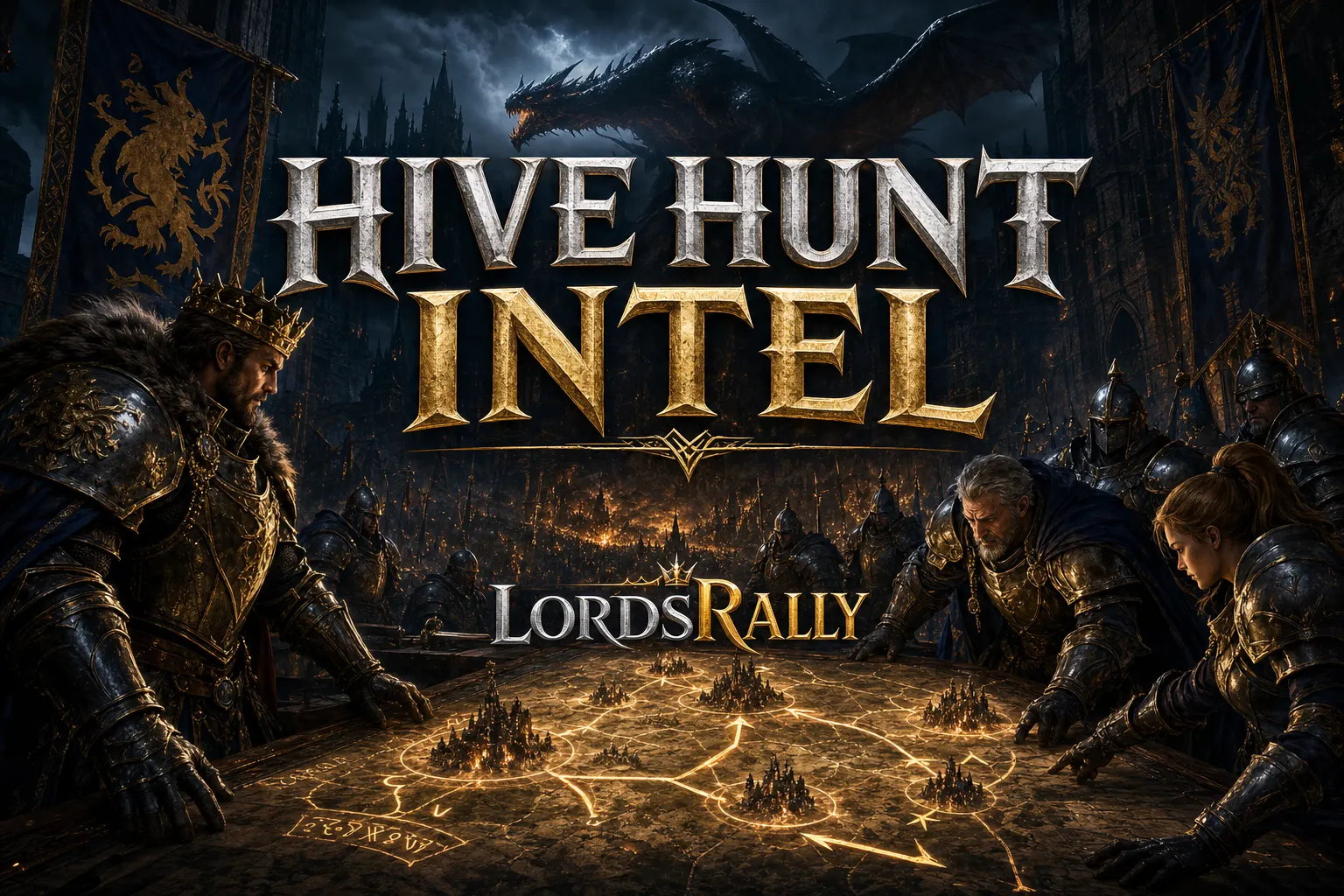
In Lords Mobile, reading a hive correctly is often more valuable than watching a single castle. Because the real rhythm of war is set not in the center, but in the surrounding tile clusters, the empty gaps on the outer ring, newly migrated castles, and targets whose shields have dropped. If you map the enemy hive and the tile network connected to it well, you’ll see the attack window while the opponent still thinks their position is safe. LordsRally removes the need for you to sit in front of the screen for this; the moment an event happens, it is delivered to your WhatsApp or Telegram group within 1–3 seconds. No setup, no need to keep a computer on, 24/7 monitoring.
Why reading the hive changes the direction of a war
A hive is not just a guild cluster; in most kingdoms, it is the first sign of war intent. The internal structure of a hive tells you a lot: who is active, who is shielded, who just migrated, who is preparing a rally. A hive that looks quiet from the outside may actually contain a live defense plan on the inside.
The critical point here is this: you should not view the hive as individual castles only, but as a behavior map. For example, if there are 12 castles packed into the same area and some are shielded, some are active, and some have just changed names, that cluster is not full by coincidence. Usually, either a rally leader has established a center there or the guild has moved its defensive line there.
This is where LordsRally’s advantage starts. Thanks to its event-driven architecture, shield drops, migration, rally alerts, and burning castle notifications arrive without delay. While you are reading the hive, the enemy may not even have refreshed their screen yet. This difference is especially useful during night raids and fast KvK decisions.
How do you map enemy hives with !hive?
In the English interface, !hive is used to quickly identify enemy hives and dense castle clusters. Your goal is not just to see the crowd, but to understand which cluster is the attack center.
In practice, think in this order:
- First, lock the target kingdom with
!kingdom. - Then check the main clusters and dense areas with
!hive. - Prefer the edges of the cluster over the center. Because the attack window usually opens at the edge.
- Take note of castles that have dropped shields, are under active attack, or have just migrated in.
Example scenario: In a kingdom, you spot two large clusters. The first is a tight ring of 18 castles, while the second is a looser structure of 7–8 castles. Most players look at the first cluster; in reality, the second one is often where the mobile targets and last-minute relocations happen. If you see 🛡 shield dropped and then 🔥 burning castle notifications in the same area within a few minutes, that hive’s attack corridor has opened.
At that point, using !hive alone is not enough; narrowing the area with !near can be very helpful. That way, you read the target not only at kingdom scale but also at raid range. This approach gives much cleaner results, especially for war leaders and R4 coordinators.
What does !guildtiles tell you about tile networks?
!guildtiles is used to map guild tiles and clustered tile structures. From the outside, it may just look like a messy spread; but in reality, these tile networks show you the guild’s movement space.
There are three things to watch here:
- Corridors: If guild tiles stretch in a single line, it is usually a safe passage or a controlled route.
- Clusters: Areas where multiple tiles are concentrated can be a gathering point for resources or operations.
- Breaks: Gaps in the tile chain can signal a vulnerable point or the start of a new settlement.
Think of it this way: there is a 15–20 tile guild corridor between the enemy hive and the frontline. If that corridor is orderly, the guild will not want to give it up. But if you see a broken 3–4 tile segment on that same line, it becomes an opportunity to apply pressure. When you look not only at the hive itself but also at the land feeding it, your attack plan becomes much stronger.
Using !guildtiles together with !hive is especially powerful before a war. Because then you understand not just where the hive is, but why it is there. That is the difference between a random raid and real intelligence. For more commands, check the commands page.
A 10-minute field routine: fast, clean, repeatable mapping
You do not need a complicated procedure for hive hunting. A consistent routine usually gives better results.
- Lock the kingdom: Use
!kingdomto confirm you are in the correct kingdom. - Extract the hive: Scan the main clusters with
!hive. - Add the land layer: Read the tile network around those hives with
!guildtiles. - Narrow nearby targets: Use
!nearto separate opportunities within raid distance. - Keep live alerts on: Do not disable notifications for shield drops, rally alerts, burning castles, migrations, and rage.
The real gain here is reducing manual checking. With LordsRally’s 78+ commands, you can use not only !hive and !guildtiles, but also complementary tools like !shield_drops, !smoke, !rage, !migrationsin, and !migrationsout. On top of that, notifications can also be managed with native WhatsApp and Telegram buttons. Switching to the Info, Track, or Kingdom card with a single tap on mobile is a huge comfort, especially during overnight watch duty.
The fact that one bot account can support up to 4 kingdoms also strengthens this routine. In other words, you do not have to stay locked to a single server. Multi-kingdom tracking lets you see what another kingdom is doing while a war is breaking apart elsewhere. That increases decision speed, especially during KvK.
The most common mistakes in hive hunting
The most common mistake players make when hunting hives is watching only the center. In reality, the most critical movement often happens on the outer ring. Sometimes a castle changes its name, sometimes it teleports, and sometimes it moves to a different wing with a new migration. If you only watch one point, you lose the target.
The second mistake is leaving shield and rally filters turned off. When hive density is high, you should not open every notification; you should keep the right ones on. Without 🛡 shield dropped, 🚨 rally, and 🔥 burning castle alerts, the hive map is incomplete.
The third mistake is thinking about land separately from the castle. As important as the question of where the enemy hive is, the question of which tile line feeds that hive matters just as much. This is where !guildtiles makes the difference. The fourth mistake is treating the kingdom as a single isolated unit. When multi-kingdom support exists, watching only one server means missing half of the war picture.
Finally, you do not need to manually search for escaping castles again and again. Automatic location tracking reconnects castles that teleport and change names using a unique identifier. In hive hunting, that is one of the quietest but most valuable time-saving features.
When should you prioritize hive hunting?
- Migration day: Newly arriving targets quickly reshape the hive structure.
- KvK start: Tile clusters and rally points form early.
- Night raid: Shield drops and active attacks create clearer opportunities.
- Guild coordination: As an R4/R5, hive mapping reduces unnecessary chat while assigning targets.
During these moments, reading the hive and land together helps you set the order of moves correctly. Observation that works together is more valuable than even one big strike.
If you want to do hive hunting in a more organized, faster, and less manual way, take a look at the features page. For the full command list, visit commands, and for similar war intelligence guides, browse the blog section.
Frequently Asked Questions
What is the difference between !hive and !guildtiles?
!hive shows the hive structure where enemy castles are concentrated. !guildtiles helps you read the guild tile network and clusters around those hives. One explains central behavior, the other explains surrounding control.
Do I need to keep my computer on to use the bot?
No. LordsRally is added to the group and monitors 24/7. You do not need to install anything or keep your computer running.
Can I monitor multiple kingdoms at the same time?
Yes. Multi-kingdom support is available, and one bot account can track up to 4 kingdoms. That way, you can expand the war picture without being stuck on a single server.
LordsRally tracks your target castles, finds them again after they teleport and alerts your guild.
Buy Now