CONTENTS
For a rally leader, the most expensive mistake is opening a rally the moment they spot a target. Even a castle whose shield just dropped can come online within seconds, teleport, change equipment, or call its guild for support. That is why a rally decision in Lords Mobile cannot rely only on “no shield” information; the target’s identity, recent movements, and equipment direction must all be checked within the same short window.
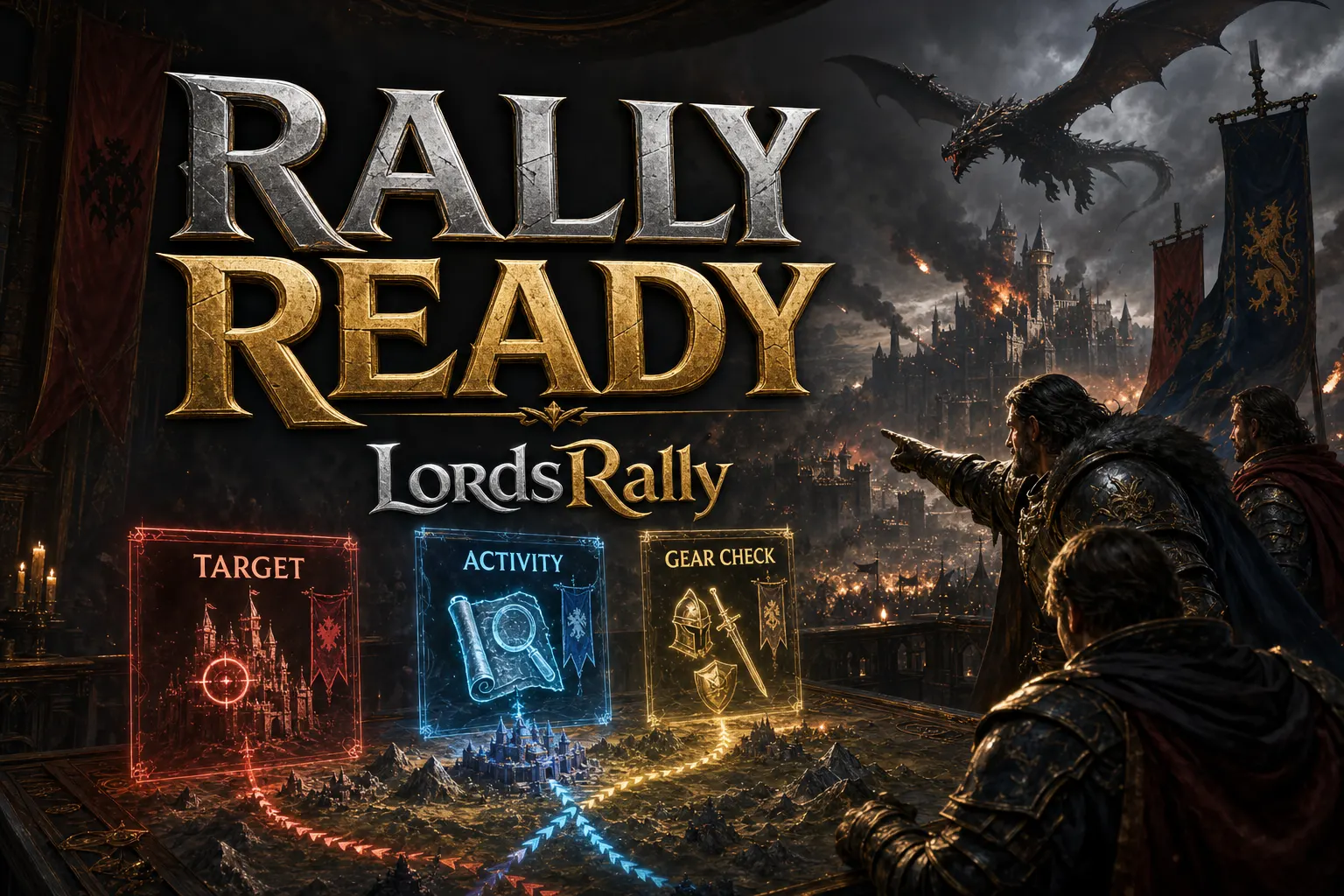
This is exactly where LordsRally comes in: it sends events such as shield drops and rally alerts to your WhatsApp or Telegram group within 1–3 seconds. As soon as a target notification arrives, you apply a fast war filter with three commands: !find → !activity → !equip. The goal is not to sell a guaranteed comp prediction in 60 seconds; it is to eliminate clearly risky targets and avoid delaying the rally decision when the target is right.
First 15 seconds: Confirm you are looking at the right castle with !find
The first question before a rally is: “Is this target still here, and what is its current status?” Name changes, teleports, and players with similar names can make a rushed leader inspect the wrong castle. For that reason, !find should be your first command.
Example query logic:
!find → 🧧 [XYZ][R3] Player (35) · 🟢 ACTIVE · 📍(X:512 Y:340) · 💪 1.10B ⚔️ 160M · 🏆 2 days, 00:49 · ━━ Details ━━ 🔎 Shield Dropped / Might Increased / Equipment Changed · [ Info | Equip | Track ] buttons.
These are the fields you should check first on that card:
- Guild tag: Confirm exactly which guild the target belongs to. A castle that recently moved from one guild to another in the same kingdom may receive support faster than expected.
- Location: Before calculating rally march time, make sure the coordinates are current. Is it on the edge of a hive, in a dense war zone, or standing alone? That changes the counter-rally and reinforcement risk.
- Activity status: Seeing the target as active does not automatically mean you should cancel the rally. But “shield just dropped, target active, equipment changed” is a combination that requires more caution.
- Might and attack might: Might alone does not reveal the garrison or trap answer. Still, it is the first filter for understanding the target’s overall scale and comparing it with the rally leader’s capacity.
- Details line: If shield drop, might increase, and equipment change appear in the same time window, assume the target may have reacted online.
The key discipline here is simple: read the !find card as an identity-verification card, not as a “hit now” command. If the target’s coordinates changed or the guild tag is different from what you expected, do not open a rally based on an old marker. Because LordsRally can automatically relocate castles that escape by teleporting and changing names through a unique identity, you do not waste time manually searching for the same target again.
15–35 seconds: Measure the target’s reaction window with !activity
If the target is confirmed, the second step is !activity. This command helps you review the target’s activity history. What a rally leader wants here is not a “definitely offline” label; that certainty does not exist. What you are looking for is movement intensity in recent minutes and the chance that the target will react to the shield drop.
Separate these three situations:
- Low movement, fresh shield drop: If the target has been quiet for a while and its shield expired naturally, the attack window may be cleaner. However, enemy guild observers or hive defense remain separate risks.
- Recent activity: If there are signs such as might growth, equipment changes, or other activity, the target may have returned to the game. In that case, the leader may not only send troops; they may shield or teleport as well.
- Regular short activity bursts: Some players log in at short intervals. Even if the target appears inactive for a long period, a frequent recent movement pattern increases the chance of them returning during the rally.
Use a practical decision rule: if !activity data is quiet, the !find card is stable, and the equipment direction does not look ready for war, the rally makes more sense. If the target shows activity signals, the rally leader should be more conservative with comp and timing, or wait for fresh information if needed.
You do not have to use this command only for one target. An R4 coordinator can also monitor likely rally leaders from the enemy guild alongside the main target. This lets you ask not only “Is the target open?” but also “Is the strong player who could answer us active?” For a deeper read of the activity graph, check the !info activity graph guide.
35–50 seconds: Read intent with !equip, do not invent a comp
The third step is !equip. This command shows the target’s current and historical equipment visuals. The biggest mistake here is looking at a single equipment piece and declaring “definitely infantry,” “definitely ranged,” or “definitely trap.” Equipment is not a guaranteed report; it gives you context about defensive or offensive preparation.
For a 60-second check, these questions are enough:
- Does the target’s equipment look war-focused, or does it show a more relaxed resource-gathering style?
- Is there a recent change between the current set and the previous appearance?
- Does the equipment align with the fresh activity signals from !find and !activity?
- Does the known strength of your rally leader and the guild’s sending capacity fit this level of risk?
For example, if a shield-drop notification arrives and you see a new equipment change on the target, do not interpret that alone as “the defensive comp changed.” But if !activity also shows fresh movement, the chance that the target returned online and prepared a defense increases. At that point, the R4’s job is not to give the team false certainty; it is to leave a clear risk note such as “target is active, equipment is current, fast fills and confirmation required.”
If you want a deeper explanation of the limits and correct use of formation prediction from equipment, review the guide to identifying defensive and offensive formations through equipment.
Final 10 seconds: Let the information flow decide the rally, not one person
You collected the data in the first 50 seconds; in the final 10 seconds, the decision should stay simple. A long discussion closes an open target window. The R4 or rally leader can send the group a three-line summary:
- Target: Location and guild confirmed.
- Status: No shield; recent activity low / active.
- Risk: Equipment stable / recently changed; enemy support chance low / medium / high.
After that summary, either open the rally or place the target on hold. “Let’s check a little longer” is also a valid decision; especially if the target appears active and has changed equipment, it is better than burning troops for nothing.
LordsRally’s rally alert, shield-drop notification, rage activation, and burning castle tracking are among the 12 smart alerts that support this decision chain. For example, if enemy rally movement appears after you open your rally, the notification reaches the group and your defense plan can be updated. You can enable or disable alerts individually and reduce message volume with might, shield, and activity filters. Visit features to learn how to configure alerts.
Why is this checklist more valuable in KvK and across multiple kingdoms?
Missing an open castle on a normal day is frustrating. During KvK or an intense wonder period, a rally launched at the wrong target costs speed-ups, troops, boosts, and coordination. In a high-tempo war, you may also need to watch threats in different kingdoms at the same time.
LordsRally supports multiple kingdoms, with the bot monitoring each kingdom 24/7 in a separate group. No installation, emulator, or open computer is required. Guilds using WhatsApp and teams using Telegram can both receive events in real time. When you need to prioritize between multiple targets, you can use active tracking for up to 4 targets at once to separate the main rally target from counter-threats.
You are not limited to only three commands. LordsRally has 78 commands covering search, kingdom, war, migration, wonder, tiles, and guild management. But for the first minute before a rally, the core trio remains clear: first !find, then !activity, then !equip. Open the commands page to see every option, and use the guides in the blog archive for different war scenarios.
If you want your rally team to base its first 60 seconds on data rather than guesses, explore LordsRally features and build a command workflow that fits your guild’s war flow.
Frequently Asked Questions
Is using only !find enough before a rally?
No. !find quickly confirms the target’s identity, location, guild, and visible status, but you need !activity to understand recent movement and !equip to see the context of equipment changes. Together, the three commands create a more balanced decision.
Does !activity show that the target is definitely offline?
No. Activity history provides a strong decision signal, but it is not a guaranteed online or offline status. For that reason, it should be read together with other signals such as shield drops, equipment changes, the guild environment, and rally alerts.
Does LordsRally work only on WhatsApp?
No. LordsRally notifications can arrive in a WhatsApp or Telegram group. Thanks to its event-driven infrastructure, shield drops, rallies, and other tracked events are usually delivered within 1–3 seconds after they occur.
LordsRally tracks your target castles, finds them again after they teleport and alerts your guild.
Buy Now